Chameleon PDF app icon

Offline PowerPoint, Word and Excel to PDF for Android

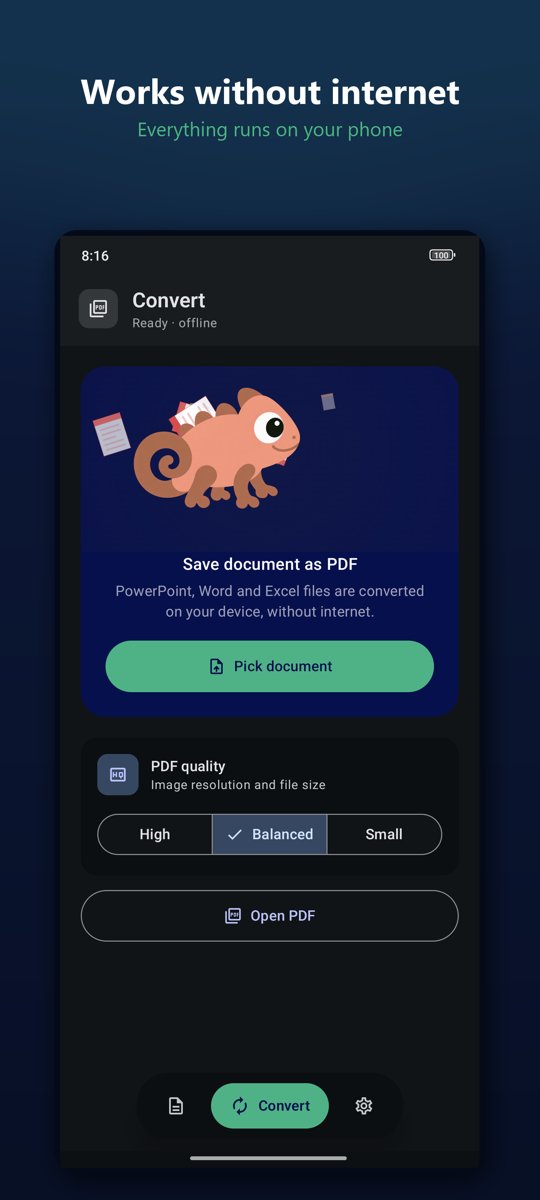
Chameleon PDF runs a real office engine (LibreOffice) on your phone. Your files are never uploaded, no account is needed, and it works in airplane mode.

Get it on Google Play
OfflineNo adsNo watermarkNo sign-up
What it does

PPT to PDF

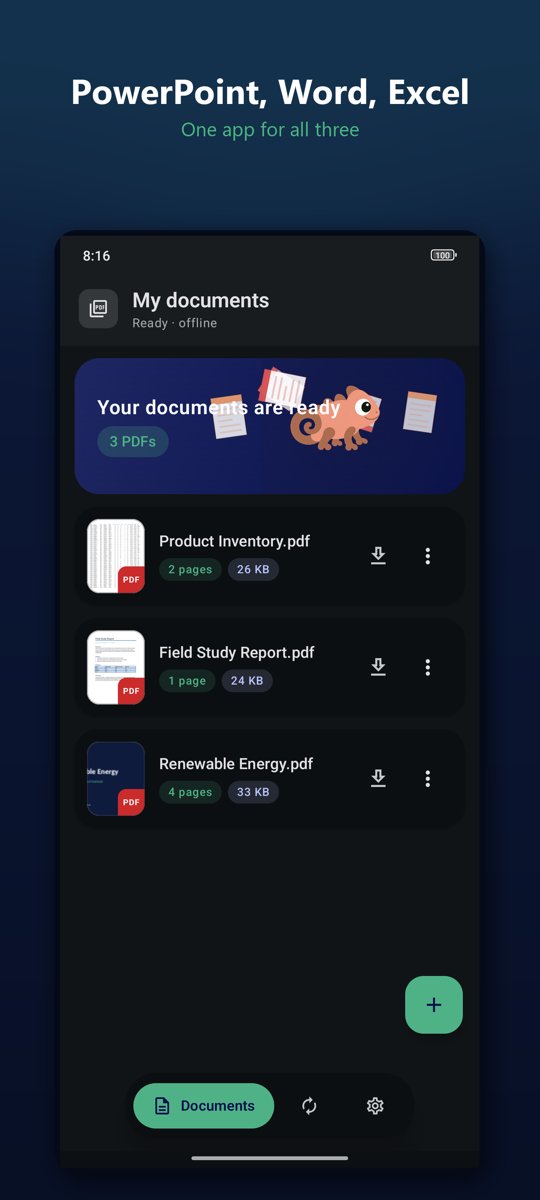
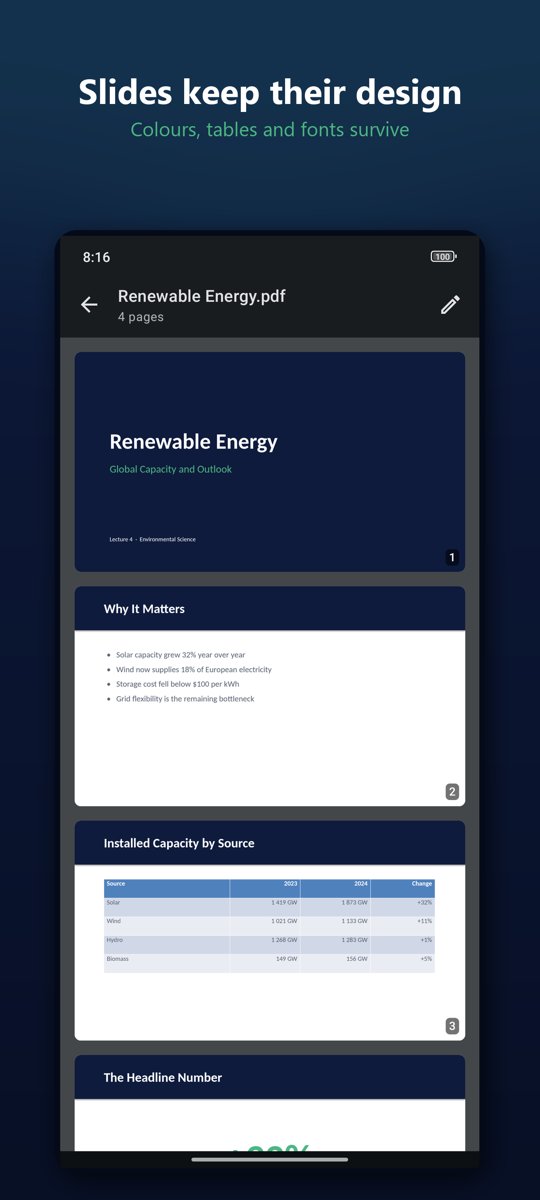
PPT, PPTX, PPS, PPSX and ODP presentations become PDF with colours, tables and fonts intact.

Word to PDF

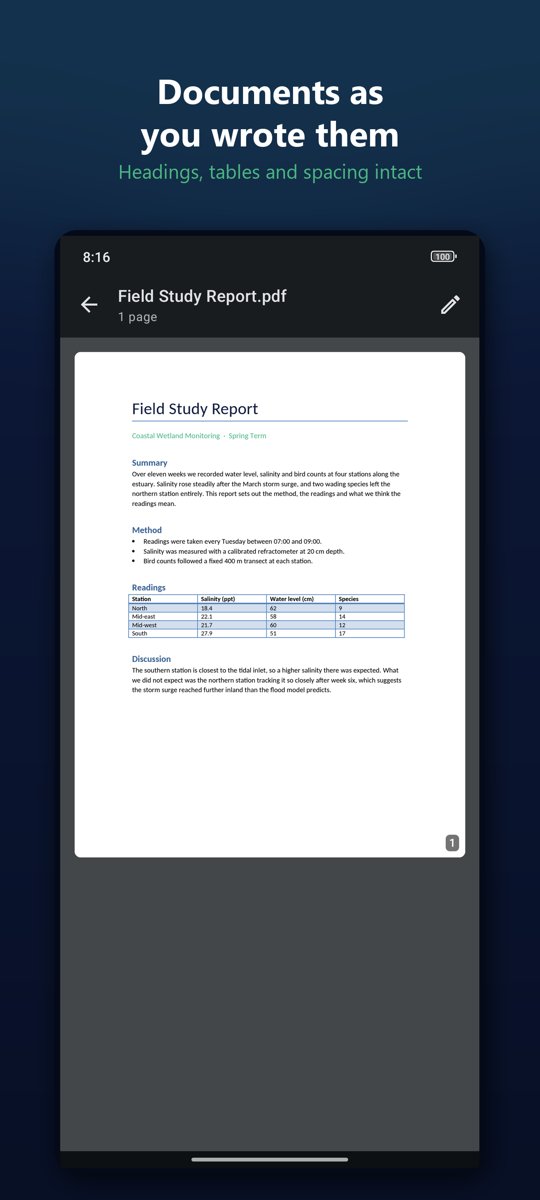
DOC, DOCX, ODT, RTF and TXT documents keep their headings, tables and spacing.

Excel to PDF

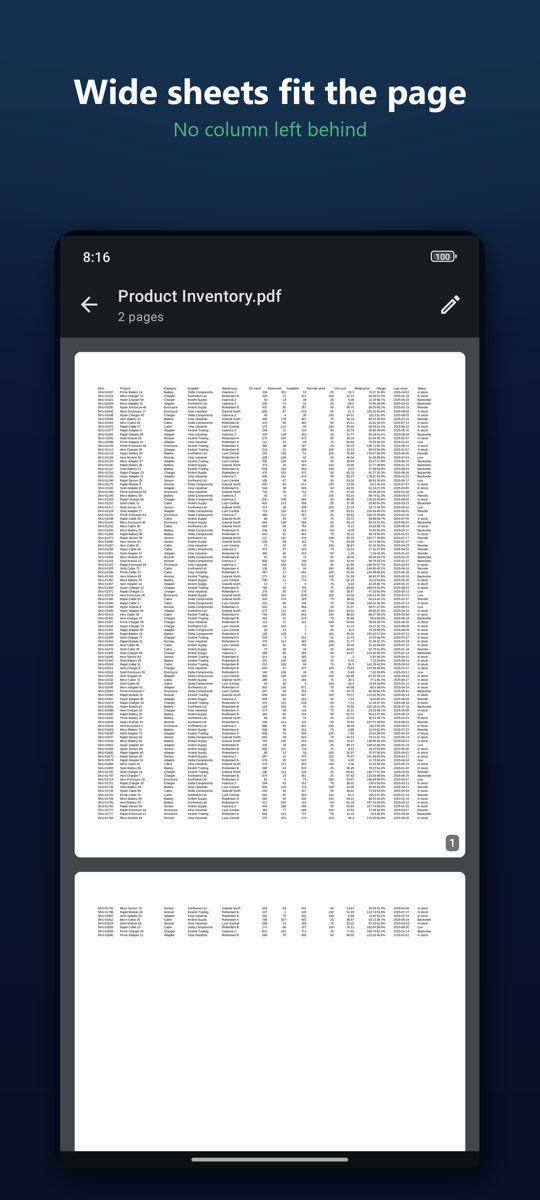
XLS, XLSX, ODS and CSV. Wide sheets are scaled to the page, so no column ends up on a separate page.

PDF to JPG / PNG

Save any page as an image and share it in one tap.

From your file manager

Tap a file anywhere on your phone and choose Convert to PDF.

PDF tools

Merge, split, reorder, rotate, compress and add pages (Pro).

Screenshots

Chameleon PDF converts documents without internet PowerPoint, Word and Excel files converted to PDF Converted slides keep their design Word document converted to PDF Wide Excel sheet fitted to the PDF page

Questions

Is there an offline PPT to PDF converter for Android?

Yes. Chameleon PDF converts PowerPoint files to PDF entirely on the phone with an embedded LibreOffice engine. It needs no internet connection and works in airplane mode.

Does it upload my files?

No. There is no server. Conversion happens on the device and the app has no analytics.

Can it convert Word and Excel files too?

Yes: DOC, DOCX, ODT, RTF, XLS, XLSX, ODS and CSV. Wide spreadsheets are scaled to the page width so no column ends up on a separate page.

Is it free?

It is free to download and includes daily free conversions, with no ads and no watermark. The optional Chameleon Pro purchase removes the daily limit and unlocks the PDF tools.

Your files stay yours

Chameleon PDF collects no personal data and has no analytics. Conversion happens entirely on your device. The only network use is Google Play billing for Pro. Read the privacy policy.